Offline-first restaurant operations for Ghana.
A till, kitchen display, QR ordering, stock control and GRA E-VAT-ready receipts in one system, one that keeps working when the connection doesn't.
01 · THE PROBLEM
Running a restaurant here is hard enough.
The internet drops at the till
Mid-lunch rush, the connection dies, and with it, most cloud POS systems.
End-of-day never adds up
Cash reconciliation from paper slips and memory takes hours and still leaks money.
GRA E-VAT receipts by hand
Itemizing 15% VAT, NHIL and GETFund manually is slow and easy to get wrong.
Stock runs out mid-service
Guests order dishes the kitchen can't make because nobody 86'd them in time.
Floor and kitchen out of sync
Shouted orders and paper tickets get lost, delayed, or made twice.
02 · HOW IT WORKS
From order to end of day, in four steps.
Step 1
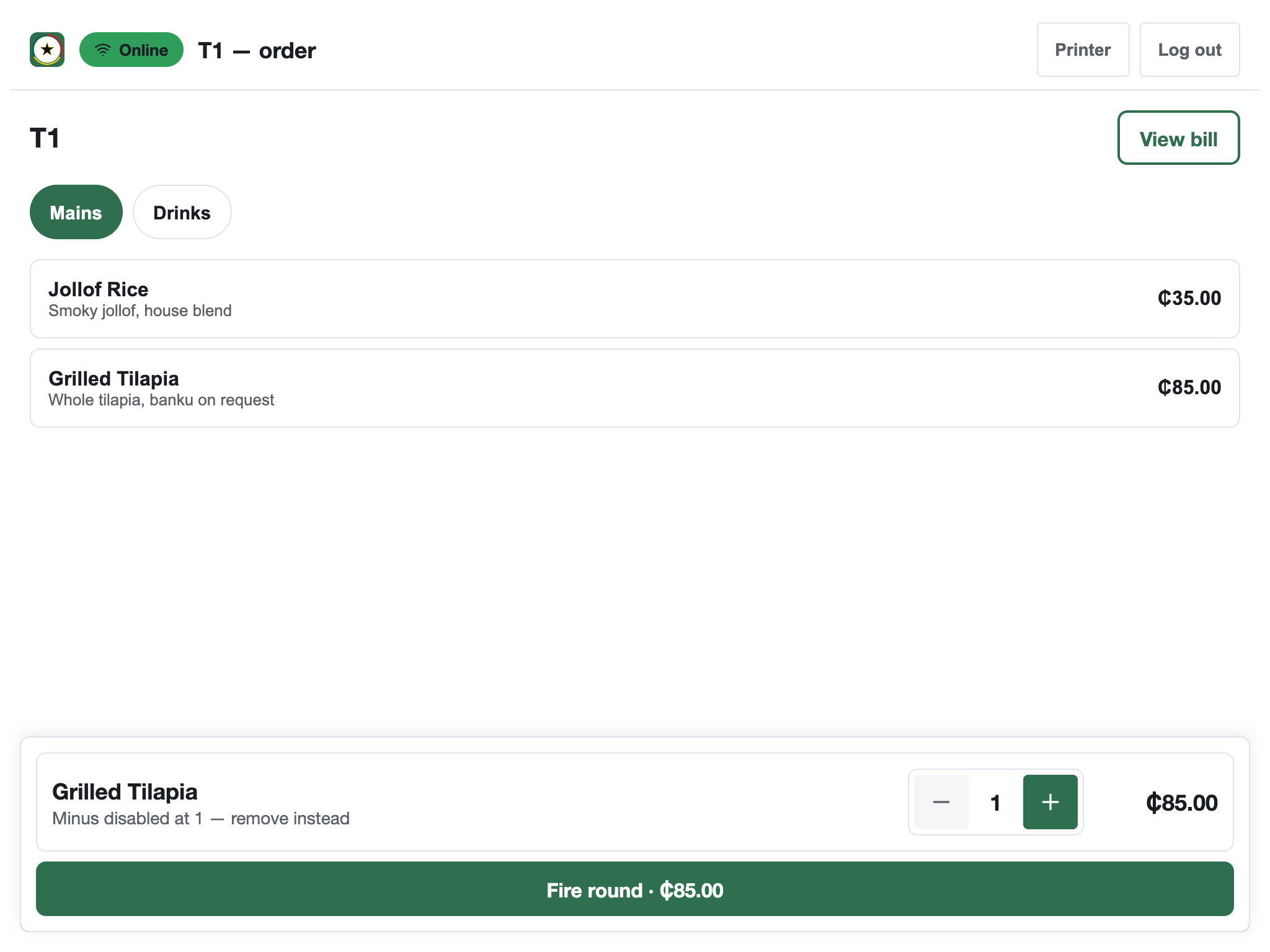
Take the order
At the till, or guests scan the table QR and order from their own phone. Both land in the same system: one queue, one source of truth.
Step 2
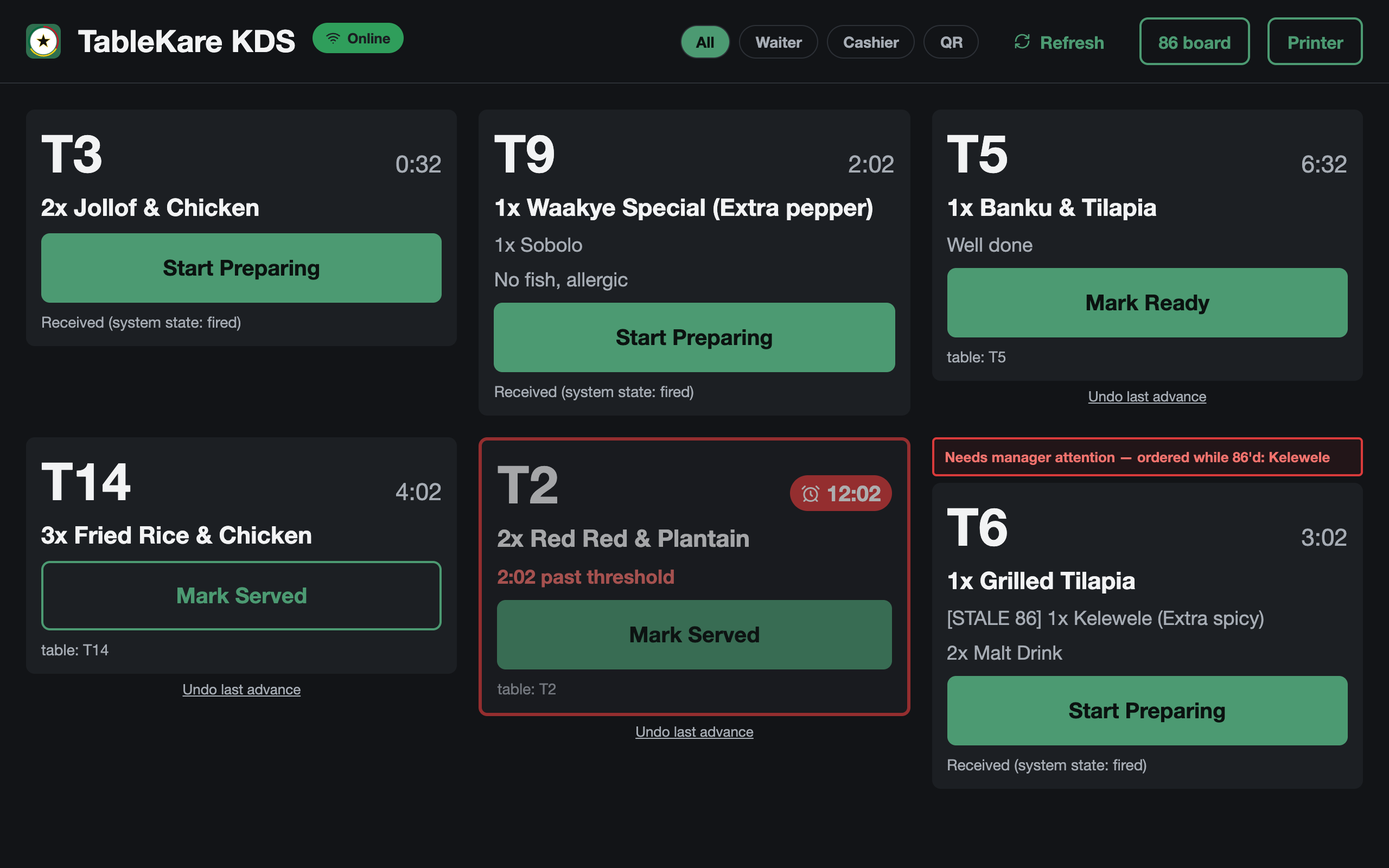
Kitchen sees it instantly
The ticket appears on the kitchen screen the moment it's placed, with timers, allergy notes and 86 alerts. No shouting, no paper.
Step 3
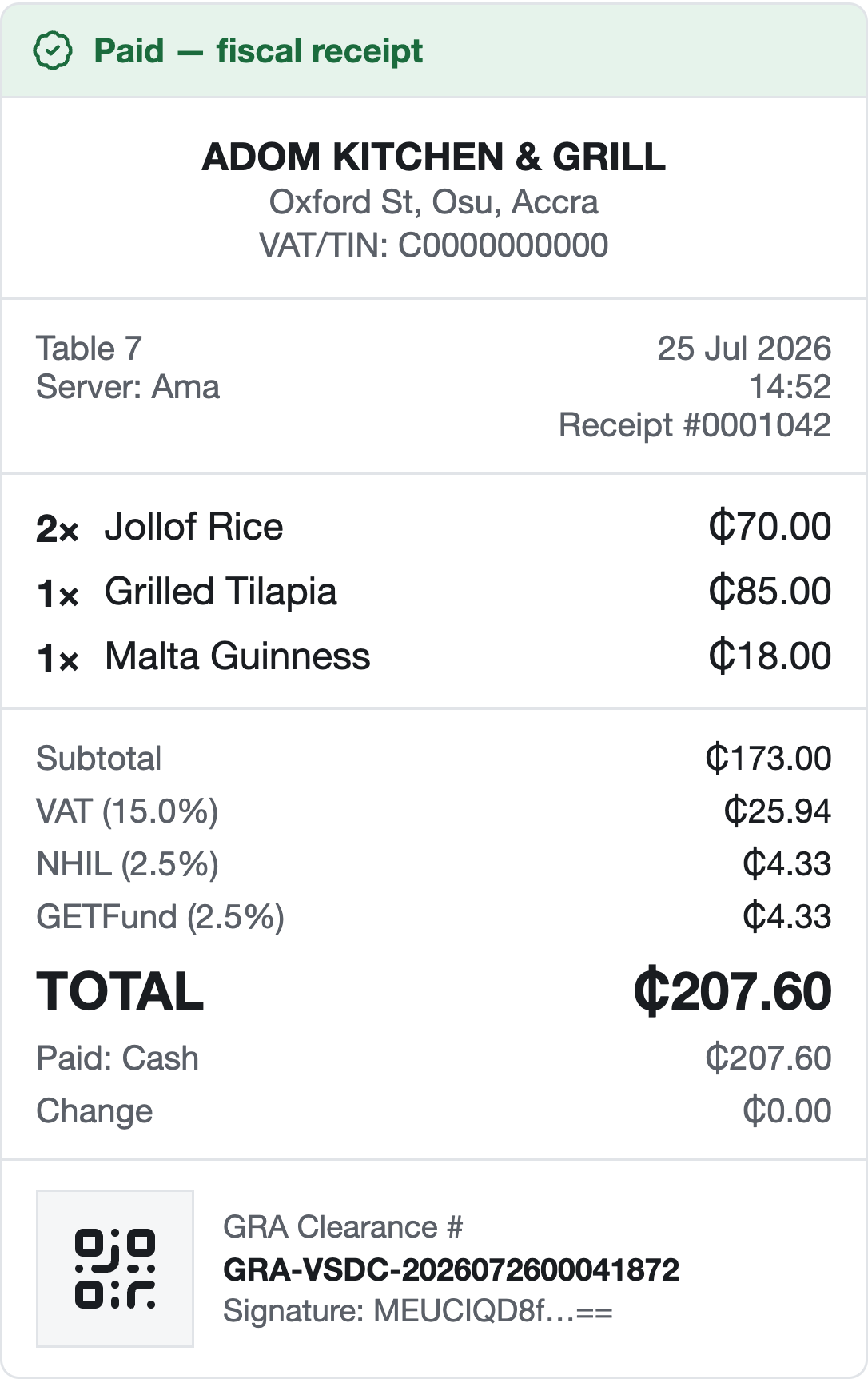
Payment and a compliant receipt
Take payment and print an itemized receipt with the VAT, NHIL and GETFund lines and a GRA clearance reference, built for GRA E-VAT requirements.
Step 4
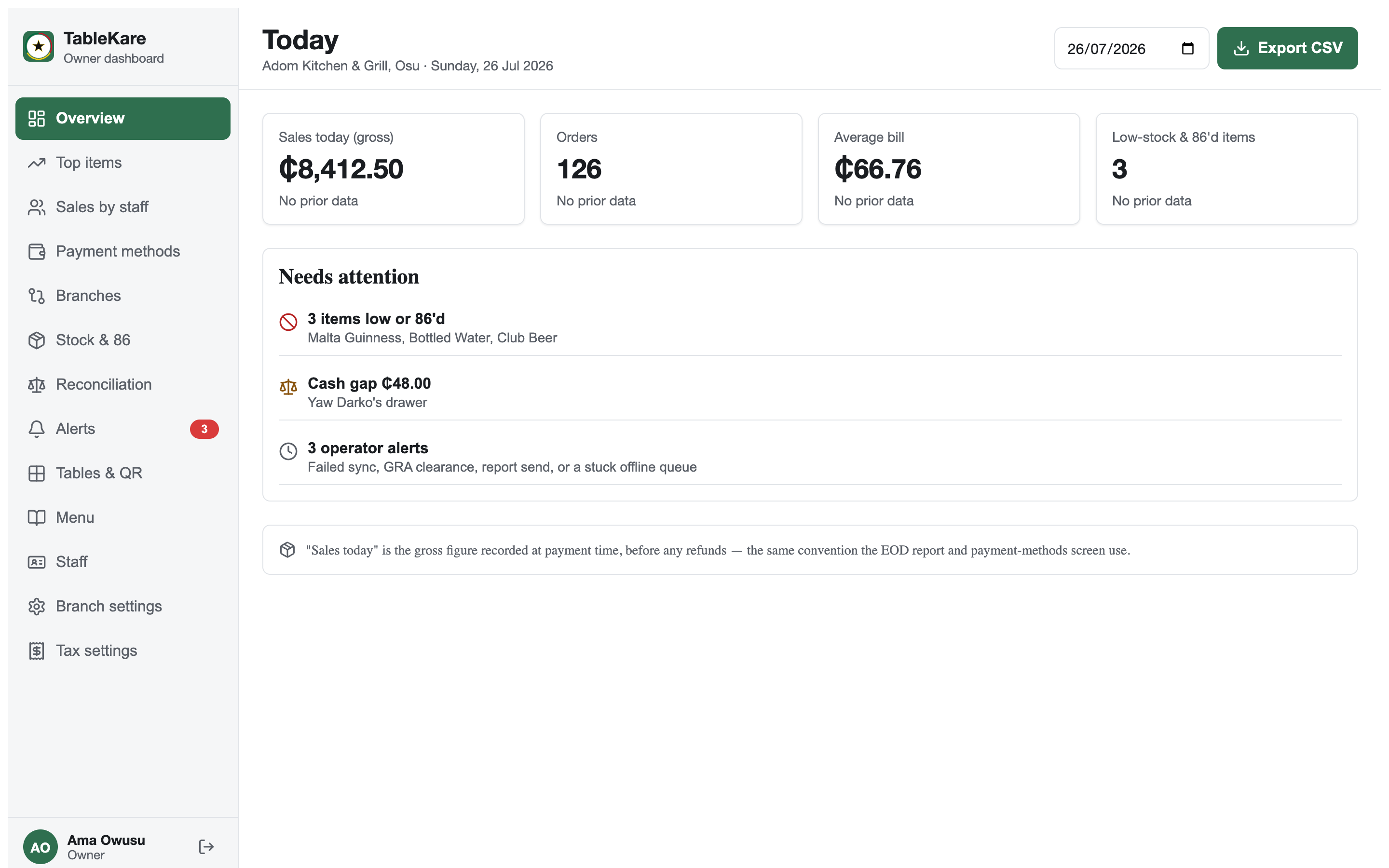
You see the day's numbers
Sales, orders, average bill, cash reconciliation and what needs attention, ready at close, not hours after.
03 · FEATURES
Everything the front and back of house need. Nothing they don't.
Obali TableKare is offline-first restaurant operations software for Ghana: point of sale, kitchen display, QR ordering, stock control and receipts built for GRA E-VAT requirements, in one system that keeps working when the internet doesn't.
Works offline
Keep taking orders and payments when the internet drops. Everything queues on the device and syncs the moment the connection is back.
Connection lost · till keeps working
QR ordering
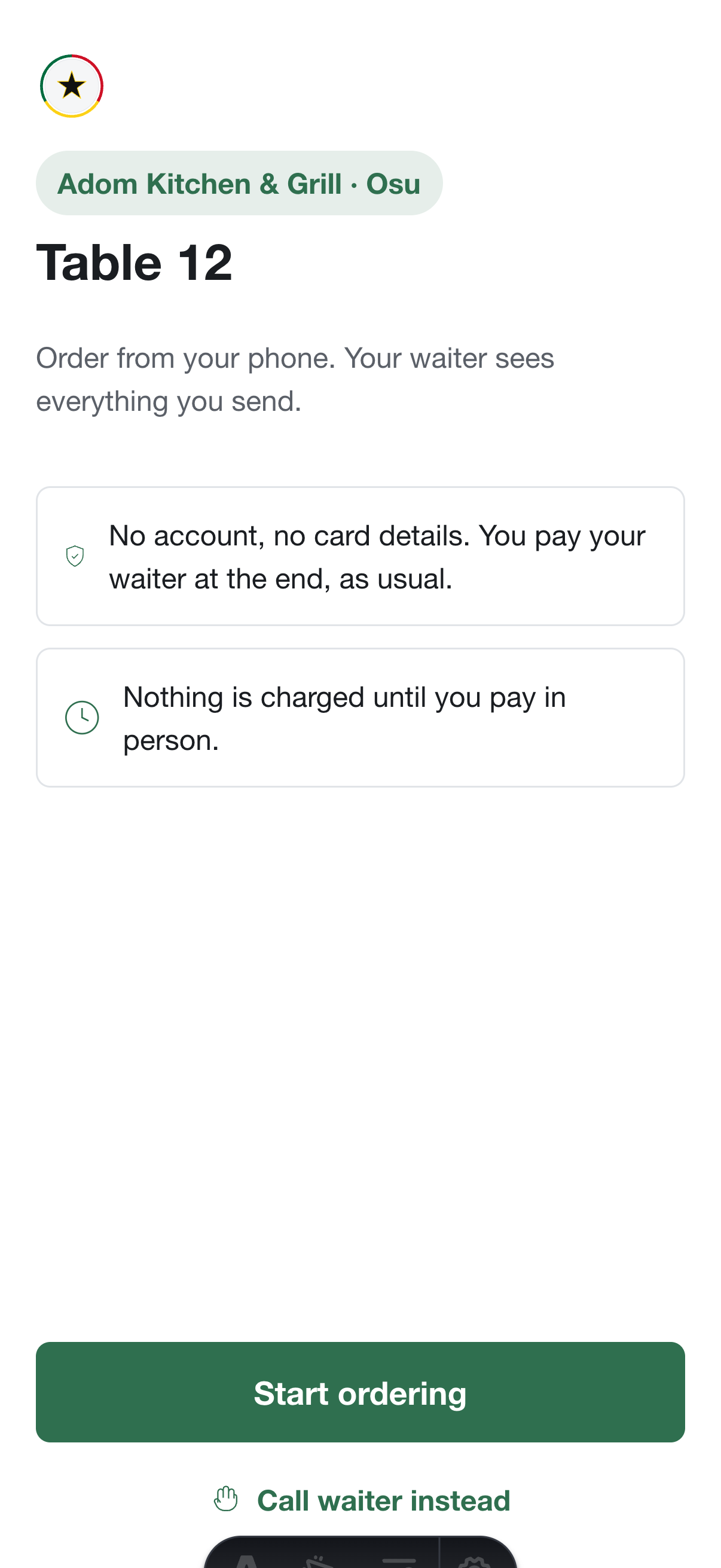
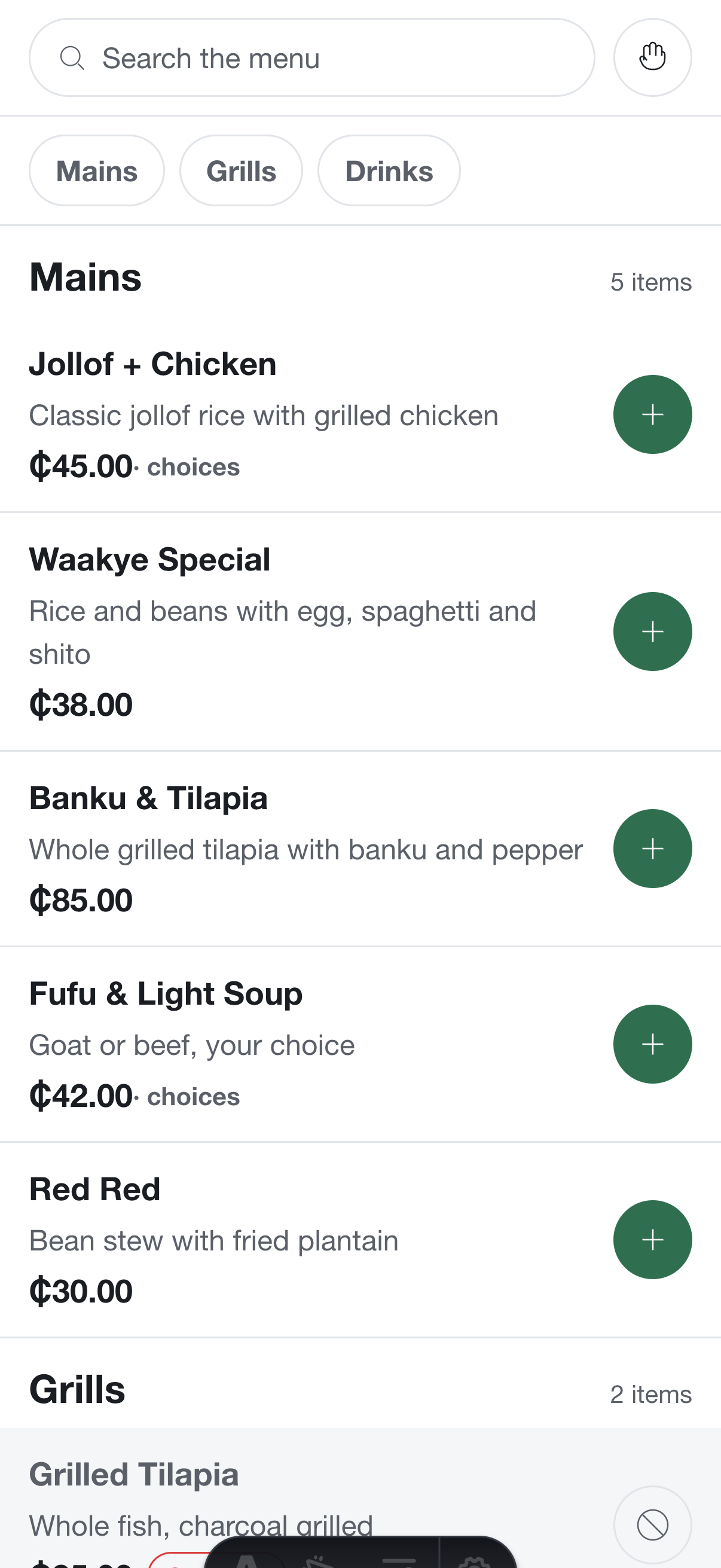
Guests scan the table code and order from their phone: no account, no card details, they pay the waiter as usual. Orders land in the same system as the till.
Kitchen display
Tickets go straight to the kitchen screen with timers, allergy notes and overdue alerts. No lost dockets, no duplicates.
GRA E-VAT ready
Itemized, tax-compliant receipts with 15% VAT, 2.5% NHIL and 2.5% GETFund built into every sale, plus a clearance reference on the slip.
Stock & auto-86
Track ingredients as you sell. When something runs out, its menu items go unavailable automatically, on the till and the QR menu.
End-of-day reporting
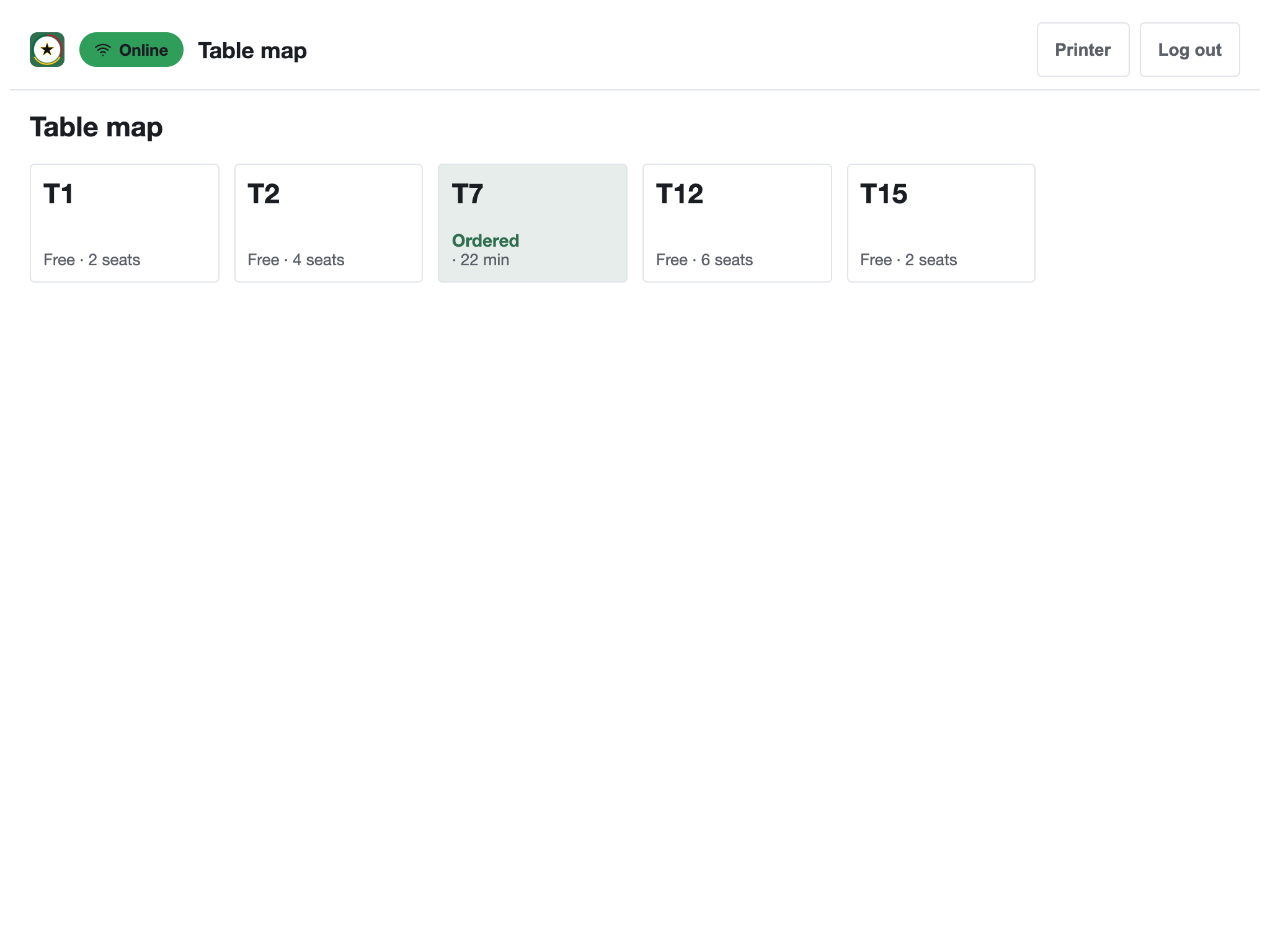
Sales, cash reconciliation and a needs-attention panel that flags low stock, cash gaps and operator alerts before they become problems.
Multi-branch
Run several locations under one account, with each branch's numbers separate and rolled up.
04 · HOW IT COMPARES
How Obali TableKare stacks up.
| Feature | Obali TableKare | Cloud-only POS | Generic / legacy POS |
|---|---|---|---|
| Works with no internet | Yes: full order → kitchen → receipt flow | No: sales stall | Varies, rarely GRA-aware |
| Built for GRA E-VAT requirements | Yes | Rarely | Rarely |
| QR table ordering, no app | Included | Sometimes, add-on | Rarely |
Learn more about our restaurant POS built for Ghana, how our GRA E-VAT receipts itemize VAT, NHIL and GETFund, or how our kitchen display system replaces paper tickets.
05 · BUILT FOR GHANA
Not adapted for Ghana. Built for it.
GRA E-VAT built in
Itemized receipts with the VAT, NHIL and GETFund lines calculated correctly on every sale, built for GRA E-VAT requirements from day one.
Offline resilience
Designed around real Ghanaian connectivity: the system assumes the internet will drop, and service never stops when it does.
Cedi-first
Prices, tills, reports and reconciliation in GH₵: no currency workarounds, no settings buried three menus deep.
06 · WHO IT'S FOR
One chop bar or twelve branches.
Made for restaurants, chop bars and food-service businesses in Ghana that keep serving through power cuts and dumsor.
Single restaurant
One till, one kitchen: everything in one place.
Café or bar
Fast counter service with stock that keeps itself honest.
Quick service
High volume, QR ordering, tickets straight to the pass.
Multi-branch group
Every location under one account, one dashboard.
TRY IT YOURSELF
Click through the till, kitchen and dashboard right now.
Take an order, fire it to the kitchen, print a demo receipt with the VAT, NHIL and GETFund lines, and watch the day's numbers update. Sample data, saved only in your browser. Nothing to install.
07 · JOIN THE PILOT
Rolling out to a first group of pilot restaurants.
Tell us about your restaurant and we'll be in touch as pilot spots open. Pilot pricing is shared on signup: no commitments, no card.